BirdNote
How to identify a bird by a photo
When a bird sits still long enough, a photo is the fastest route to a name. But to identify a bird by a picture reliably — whether by eye or with an app — it helps to capture the right details. Here's what matters and how photo identification actually works.
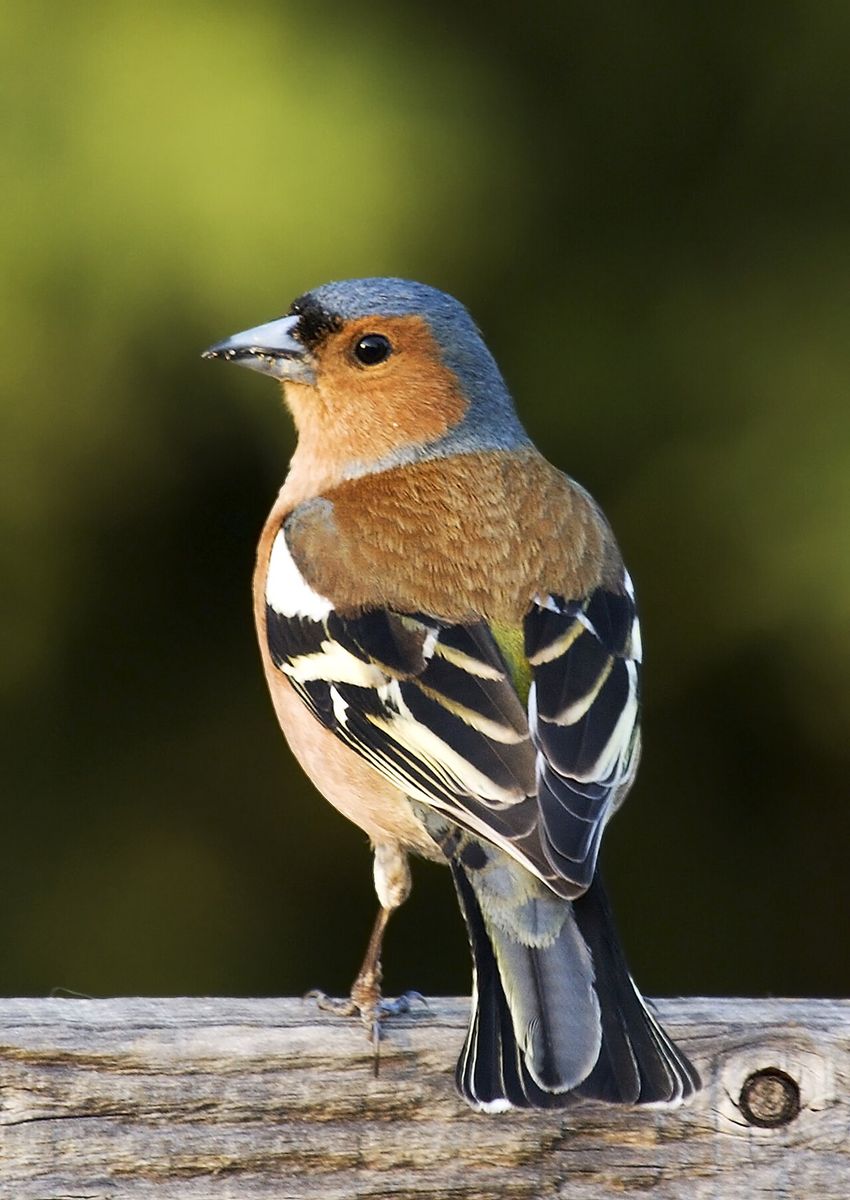
A male Common Chaffinch. Photo via Wikimedia Commons (CC).
How to take a photo that's easy to identify
The clearer the photo, the better any identification — human or AI. Aim for:
- The whole bird in frame, ideally side-on so the head, body and tail are all visible.
- Sharp focus on the bird, not the branch in front of it.
- Good light — avoid heavy backlight that turns the bird into a silhouette.
- A tight crop so the bird fills as much of the frame as possible.
The field marks that matter most
Birders narrow an ID using a small set of "field marks." Capture or note these and you're most of the way there:
- Size & shape — compared to a familiar bird like a sparrow, robin or pigeon.
- Bill — thick seed-cracking cone, thin insect-picking needle, or hooked?
- Colour & pattern — breast colour, wing bars, eye-rings, head stripes.
- Legs & feet — colour and length.
- Behaviour & habitat — clinging to a trunk, wading, or at a feeder.
Skip the guesswork
Upload any bird photo to BirdNote and get the species with a confidence score in seconds.

How a bird photo identifier works
A bird photo identifier like BirdNote uses computer vision trained on huge numbers of labelled bird images. When you submit a photo it:
- Finds the bird in the image and focuses on it.
- Reads visual features — overall shape, colour distribution, bill, wing pattern.
- Compares those features against thousands of species and ranks the closest matches.
- Returns the top candidates with a confidence score and links to full profiles so you can compare similar-looking species.
Treat the result as a strong suggestion. Use the confidence score, compare against the app's reference photos, and check the species occurs in your region before you call it.
Tips for a confident match
- Crop before you submit so the bird dominates the frame.
- Pick your sharpest shot — blur is the biggest accuracy-killer.
- Note range and habitat — if the top suggestion doesn't occur where you are, scroll to the next candidate.
- No photo? Use sound. If the bird is hidden but singing, switch to BirdNote's sound identifier instead.
Frequently asked questions
Can I identify a bird from a photo for free?
Yes. BirdNote lets you identify a bird from a photo or your camera roll for free, returning the most likely species with a confidence score.
What makes a good photo for bird identification?
A sharp, well-lit, side-on shot with the whole bird filling the frame. Capturing the bill, breast and wing pattern gives the best chance of an accurate match.
What if the app isn't sure?
Check the next-best candidates, compare them to the reference photos, and factor in where you are and the habitat. You can also confirm by recording the bird's song if it's calling.
Identify your next bird from a photo
BirdNote identifies birds by photo and song — free on iPhone & iPad.